
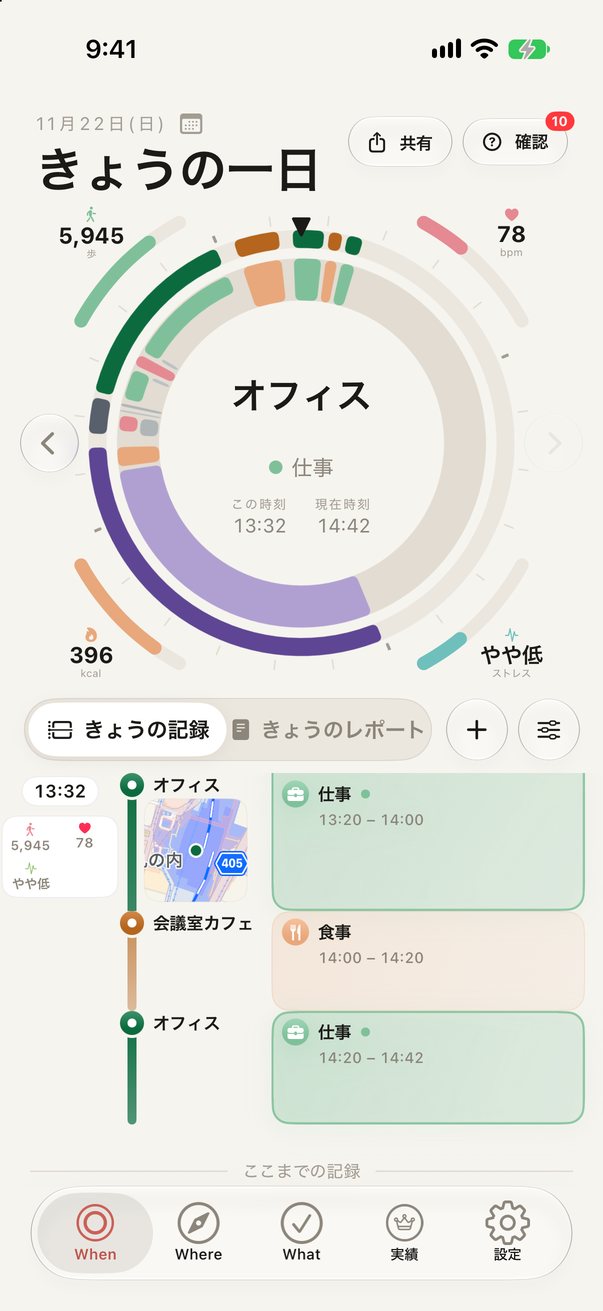
When
The day dial
Twenty-four hours in a single circle. Where you were and what you did appear as coloured arcs, alongside what’s happening now and a summary of the day.
WhenWhereWhat
WhenWhereWhat records your stays and journeys automatically and shows each day as a 24-hour dial on iPhone and Apple Watch. Your records live only on your device and in your own iCloud — they never reach our servers, because we don’t have any.
Requires iPhone with iOS 26 or later (iPad is view-only). Core features are free.
No manual logging. Just carry your iPhone, and the places you stayed, how you moved, your steps and your sleep come together on their own.
The day dial
Twenty-four hours in a single circle. Where you were and what you did appear as coloured arcs, alongside what’s happening now and a summary of the day.
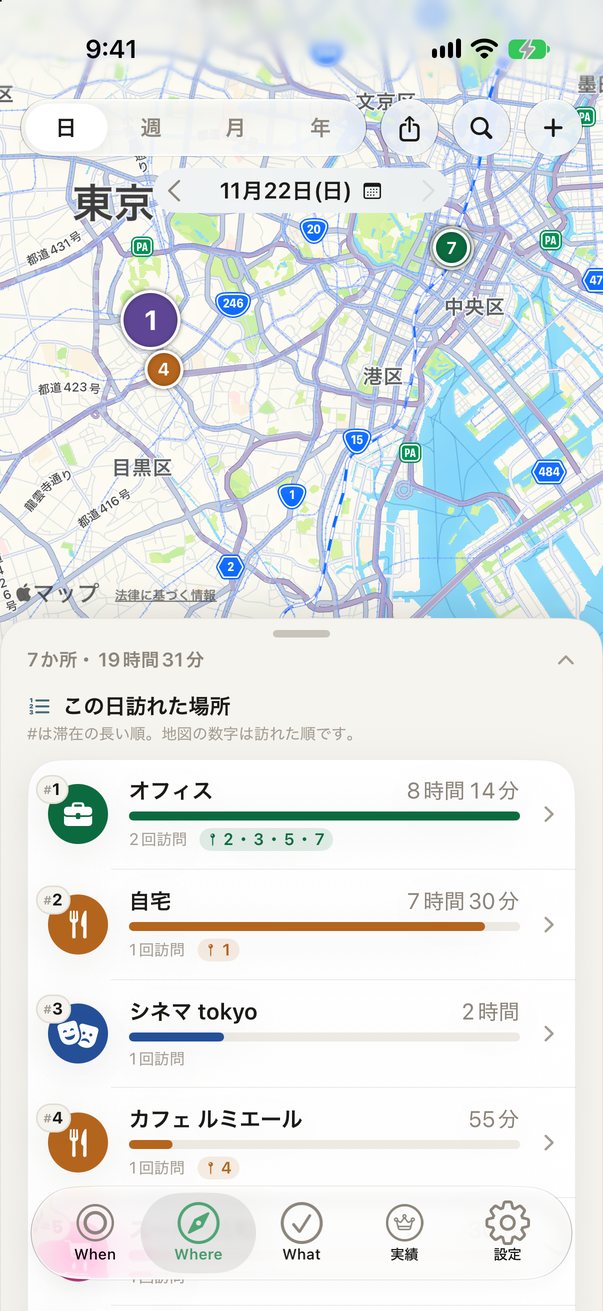
Places
Your regular spots and first-time visits on a map. See where you spent your time by week, month and year.
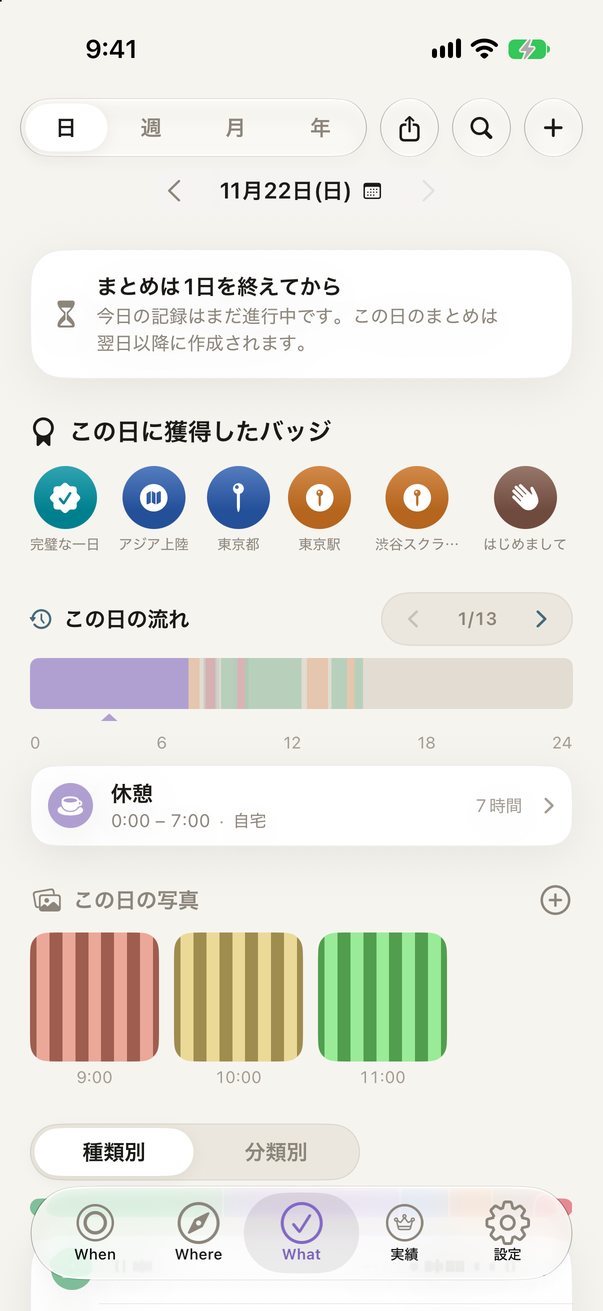
Reflections
Weekly, monthly and yearly summaries and trends — like how your sleep relates to your activity — written in plain language.
Recording, reflecting and sharing, all in one app.
Location and motion data are used to record where and how long you stayed, and whether you walked, cycled or drove. You can add and fix entries by hand, too.
Steps, distance, active energy, heart rate, sleep and more — read-only. Workouts and sleep are added to your records.
On-device AI (Apple Intelligence) turns your day into a short diary entry. Your records never leave the device to do it.
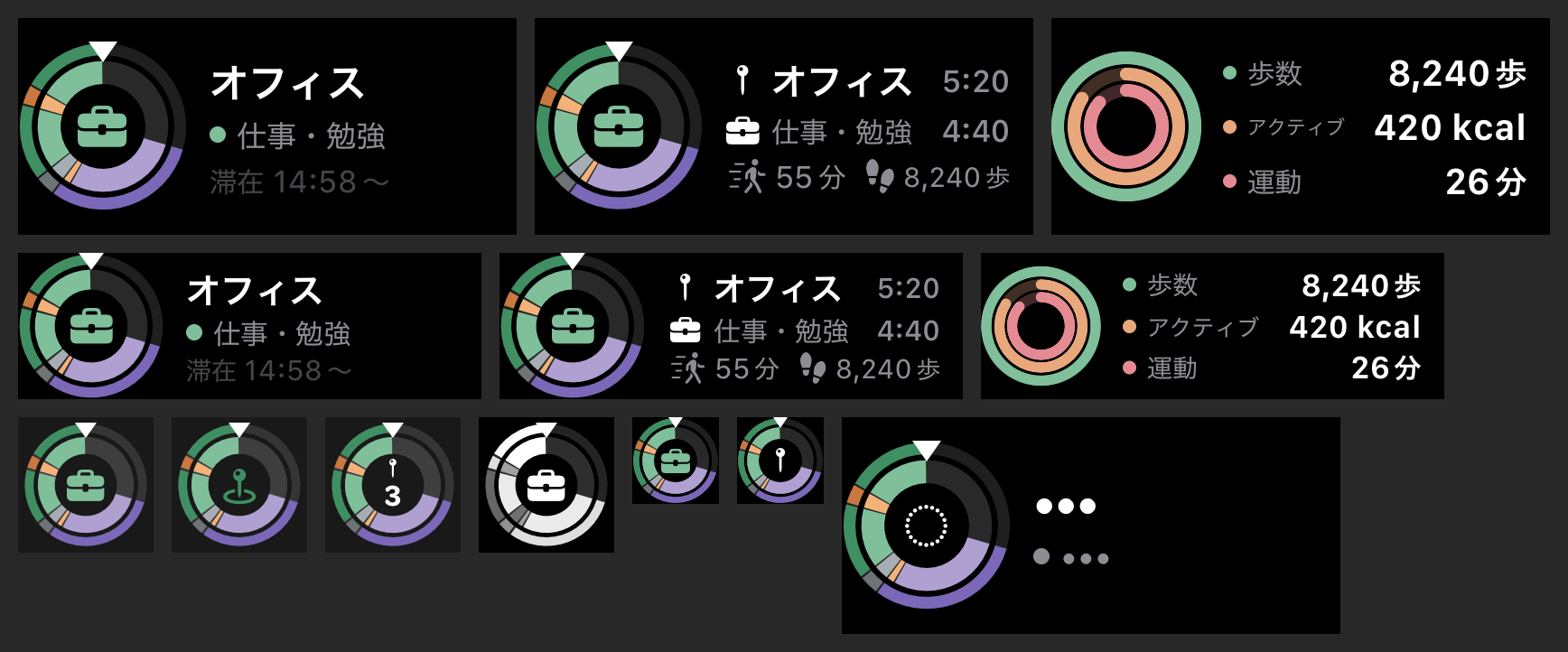
Complications put your current place and the day dial on your wrist, with the metrics and design you choose.
Earn badges for the prefectures, countries and landmarks you visit, and for keeping your streak.
Combine your day dial, map and photos into an image. Maps of home and work can be hidden.
Event titles and notes from the calendars you choose are added to the stays they overlap.
Records sync to a private area of your iCloud, with places and notes end-to-end encrypted. Look back on the big screen with iPad.
English, Japanese, Chinese (Simplified and Traditional), Korean, Spanish, French, German, Italian and Portuguese.
Your current place, what you’re doing and today’s dial right on your watch face — or a design that lines up steps, active energy and exercise. When you wear Apple Watch, its location and motion help your records too.
Your location and health history belong to you. WhenWhereWhat is built so that none of it comes to us.
Recording continues on either plan and nothing is deleted. Pro is an auto-renewing monthly or yearly subscription; prices are shown in the App Store and in the app.
Free to download, core features included
Monthly or yearly, via the App Store
Cancel anytime in iPhone Settings › your Apple Account › Subscriptions.
In the app, go to Settings › Support › Send Feedback or a Question — or just email us.